


2S Studio · by 2S Development · South Florida
What are you
creating?
Describe your home project in your own words. 2S Studio turns it into a clear brief and connects you with the curated 2S network of architects, designers, builders and specialists across South Florida.
2S Studio
One workspace for the whole project.
What 2S understood from your photos and answers, three design directions, vendors, products, the estimate and documents, on one timeline from brief to completion.

- Project Brief
- Design Concepts
- Vendor Selection
- Proposal & Agreement
- Execution
- Completed
App preview · sample project
What you can create
Start from what you’re creating.
Six starting points, each with its own guided path. Not sure yet? Just describe it to 2S Studio.

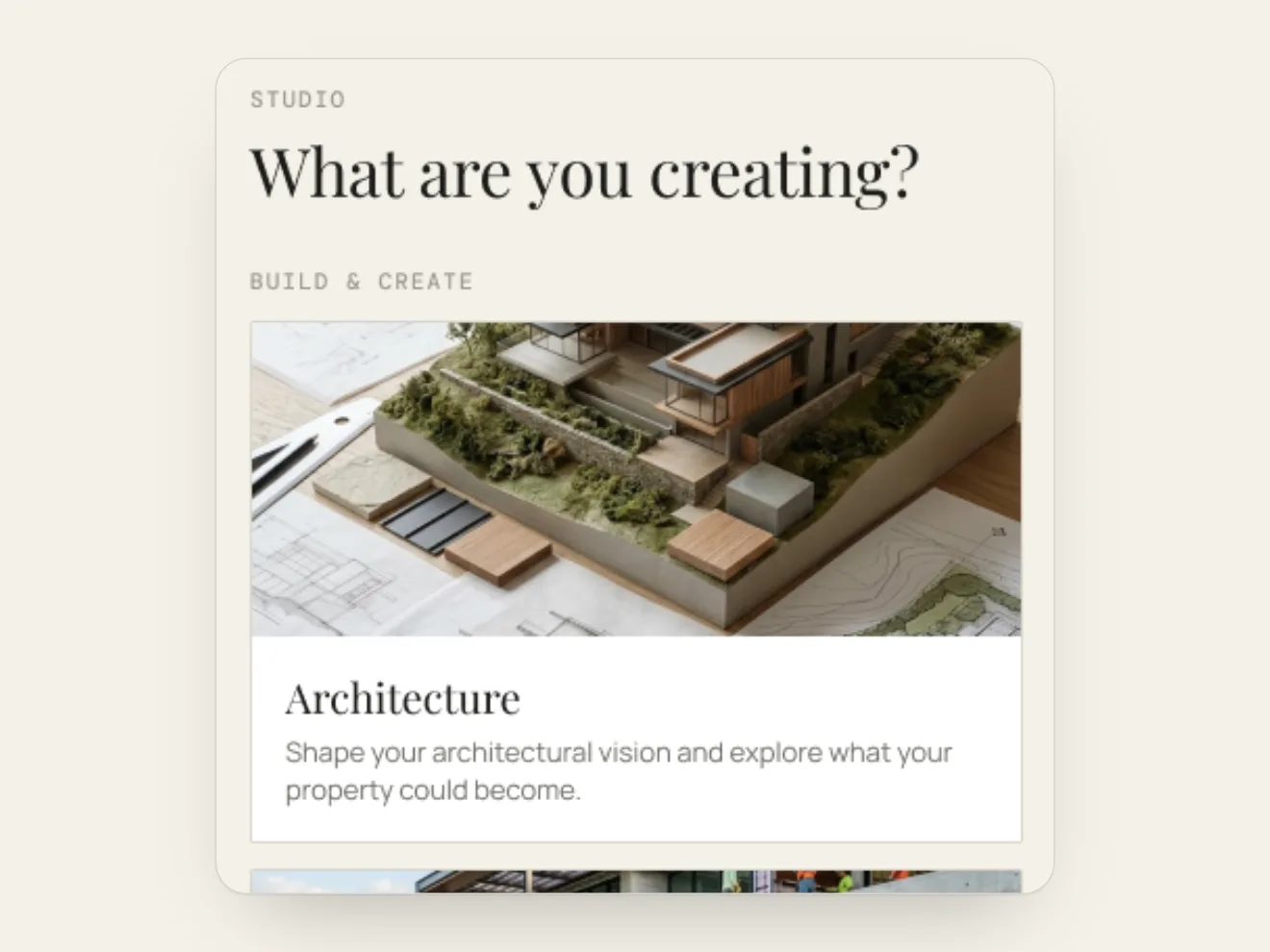
Architecture
Shape your architectural vision and explore what your property could become.
Build & Create

New Construction
Have your vision and plans ready? Find the right construction professionals to bring your project to life.
Build & Create

New Home
Just bought a new home? Start with a blank canvas and create a space that feels truly yours.
Build & Create

Existing Home
Change what isn’t working and improve the parts of your home that matter most.
Transform & Furnish

Renovation
Reimagine your existing spaces and transform your home around the way you want to live.
Transform & Furnish

Furniture & Decor
Bring your space together with furniture, lighting, decor and pieces that reflect your style.
Transform & Furnish
How it works
From a conversation to the right team.
You don’t need to know who to call first. Start with what you want, and 2S takes it from there.
01
Tell 2S what you’re creating
Describe the project in your own words and add photos of your space. Start as a guest; no account needed to begin.
02
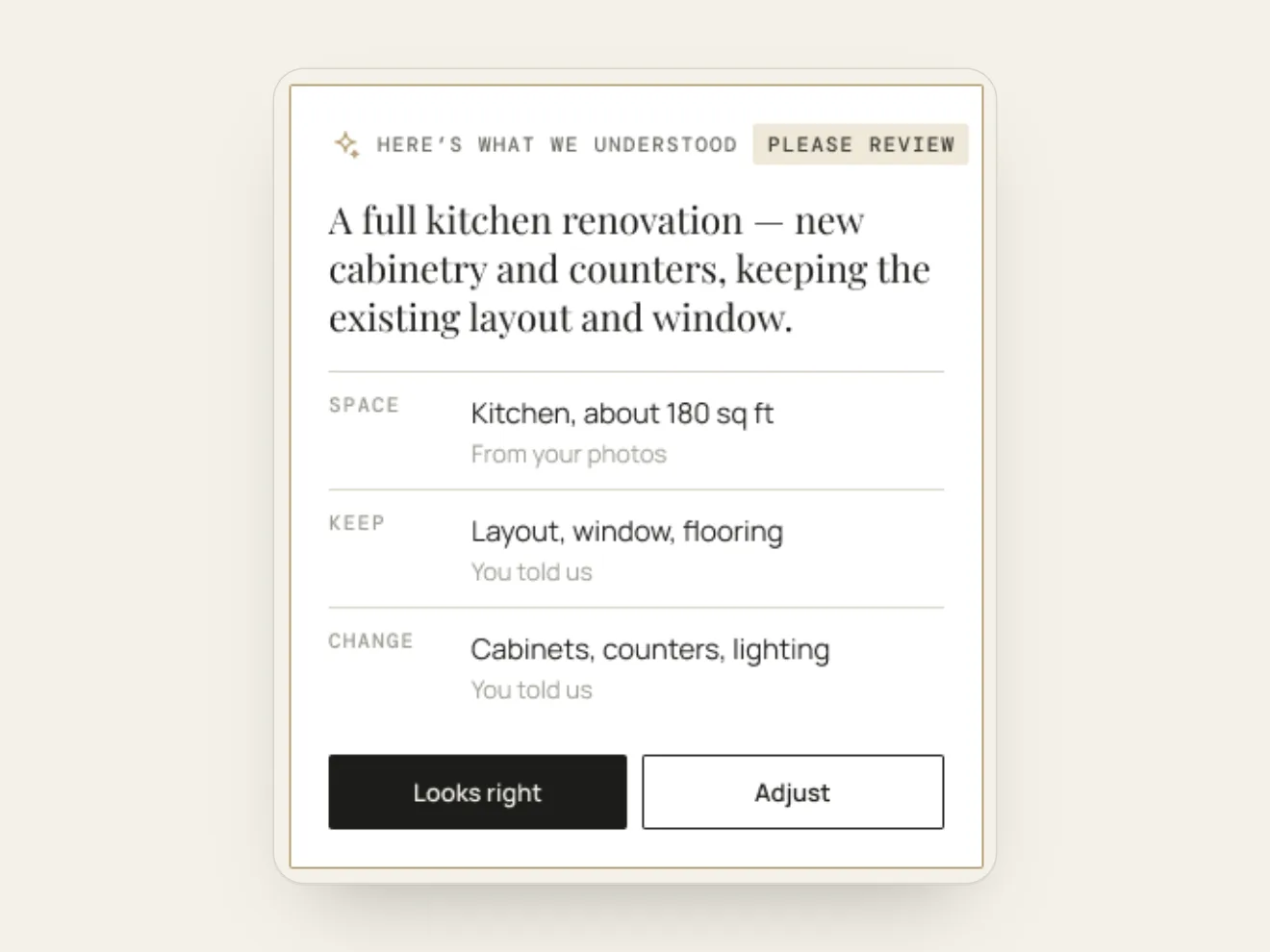
Check what 2S understood
2S shows what it understood and where each fact came from, then asks one question at a time. Confirm it or adjust it.
03
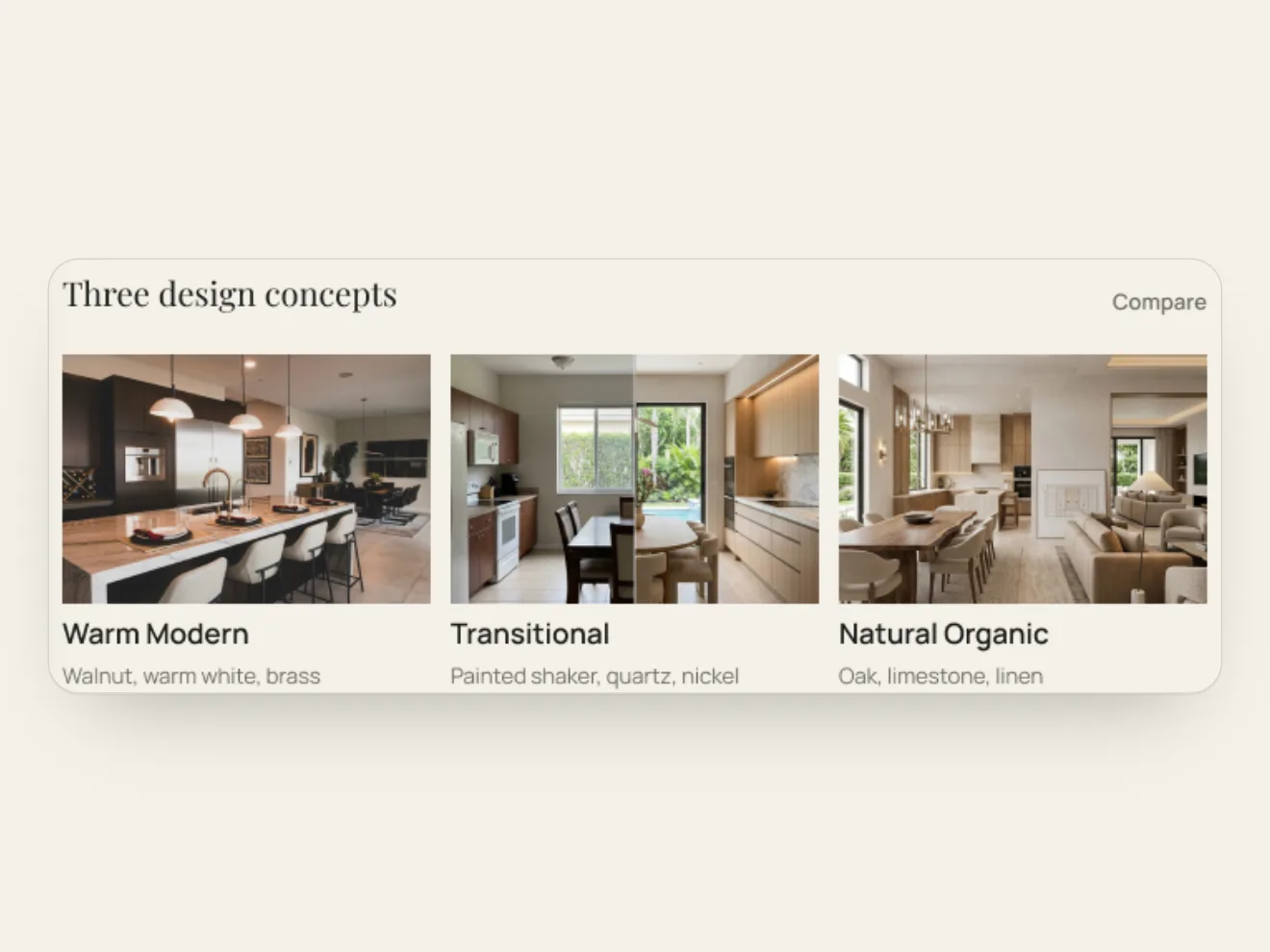
Explore three directions
See three design directions for your space. Create an account when you want to save your project and generate your design.

04
Choose your team
2S curates the right professionals from its network. They connect with you directly, and you choose who to work with.
2S Studio Agent
Talk it through with 2S Studio.
The 2S Studio Agent is the voice and text assistant inside your project. It knows where you are, asks only the next question that matters, and works through the same steps you see on screen.
- Starts or resumes your projectPick up where you left off, or start a new project once you confirm the type.
- Answers the step in front of youIt uses the step’s own options and records what you want in your own words.
- Adds photos and starts your designYou choose the photos. It starts Generate My Design when you say yes.
- Answers from 2S knowledgeAbout your project, your preferences and real products from the 2S network.
You stay in control: important actions are confirmed on your screen. The full agent works inside your project after you sign in; the window at the top of this page helps you get started.

I have enough to start designing.
I can start your design now, or you can tap Generate My Design.
Start it now, please.
Please confirm on your screen.
Illustrative conversation in 2S Studio’s own words
The 2S Network
You bring the vision. 2S brings the network.
2S isn’t a general contractor, an architecture firm, a brokerage or a manufacturer. It curates and coordinates the right people, and you choose who you work with.

Homeowners & owners
Homeowners, investors, developers and project sponsors start with one point of entry instead of searching for dozens of professionals. Joining the 2S network is free for clients.
Start your project

2S Agents
Licensed Florida real estate professionals bring their clients to 2S and stay connected to their projects every step of the way.
Become a 2S Agent

Vendors & specialists
Manufacturers, suppliers and specialists join a curated network, vetted on craft, consistency and how they perform under a real deadline.
Explore the 2S Network

Owner’s Representation & Project Oversight
An optional owner-side service coordinating the people, products and deliveries. Project Start from $2,500; Project Oversight from $3,500 per month. 2S works alongside licensed professionals and doesn’t replace them.
Plan · Source · Coordinate · Procure · Deliver
Send your brief
Your vision. Our network. Your choice.
Send your brief and the 2S team will reply by email. Or start your project now as a guest.
Start your projectwelcome@2sstudio.app · +1 (239) 961-7491 · 4300 Biscayne Blvd, Suite 203, Miami, Florida 33137